
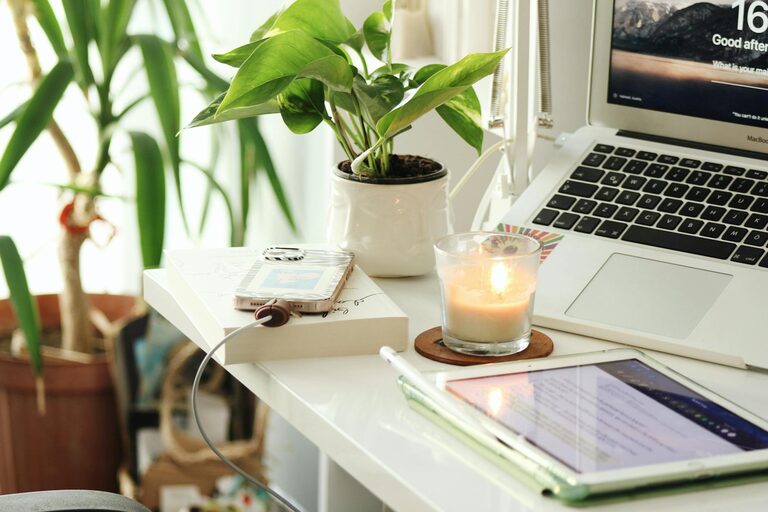
Creating a productive home workspace is essential for anyone working remotely or pursuing personal projects. A well-organized and comfortable area can boost your focus, improve your workflow, and help separate work from personal life. Whether you have a dedicated room or just a small corner, these tips will help you design a space that supports productivity and well-being.
Choose the Right Location
Find a Quiet Spot
Select a part of your home that is relatively quiet and free from distractions. A room with a door you can close is ideal, but if that’s not possible, consider using noise-canceling headphones or white noise machines.
Consider Natural Light
Position your workspace near a window for natural light. Exposure to daylight helps regulate your body clock, uplifts your mood, and reduces eye strain.
Ensure Good Ventilation
Fresh air keeps you alert and comfortable. Pick a spot where you can open a window or use a fan to improve airflow.
Invest in Comfortable and Functional Furniture
Choose an Ergonomic Chair
A supportive chair that encourages good posture reduces the risk of back pain. Look for adjustable height and lumbar support features.
Use a Suitable Desk
Your desk should fit your needs—whether you handle paperwork, use multiple monitors, or prefer standing occasionally. A clutter-free surface helps maintain focus.
Add a Footrest or Adjustable Keyboard Tray
These accessories help prevent strain and improve comfort during long working hours.
Organize Your Workspace Efficiently
Declutter Regularly
Keep only essential items on your desk to minimize distractions. Use storage boxes, drawers, or shelves to organize supplies.
Use Cable Management Solutions
Tangled cords can become a nuisance. Employ clips, sleeves, or under-desk trays to keep cables neat and out of the way.
Optimize Storage
Label storage bins and utilize vertical space with wall shelves. This easy access reduces the time spent searching for tools or documents.
Set Up Proper Lighting
Combine Ambient and Task Lighting
General room lighting supplemented by a desk lamp gives you flexibility. Adjust brightness to avoid glare on your screen or shadows on your work area.
Choose the Right Bulbs
Opt for bulbs that emit bright, white light rather than harsh or overly warm tones to keep your mind alert.
Minimize Distractions
Establish Boundaries
Communicate your working hours to family or housemates. Use visual signals like closing the door or a “Do Not Disturb” sign.
Limit Personal Tech Use
Turn off non-work-related notifications on your devices, or use apps that block distracting sites during focus periods.
Create a Dedicated Tech Setup
Keep work devices separate from leisure gadgets when possible to help your brain switch modes.
Incorporate Personal Touches
Add Plants
Indoor plants not only improve air quality but also boost mood and creativity.
Display Inspiring Items
Photos, art, or motivational quotes can make your space inviting without becoming clutter.
Use Calming Colors
Choose paint or decorations in soothing, neutral tones to create a relaxed atmosphere.
Maintain a Routine
Set Regular Work Hours
A schedule helps create a mental distinction between work time and downtime.
Take Scheduled Breaks
Short breaks every hour can reduce fatigue and maintain productivity.
Keep Your Workspace Clean
End each day by tidying your desk to start fresh the next morning.
Use Technology to Enhance Productivity
Invest in Reliable Equipment
A fast internet connection, a good-quality headset, and a responsive mouse and keyboard reduce frustration.
Utilize Productivity Apps
Tools for task management, time tracking, and note-taking assist you in staying organized and focused.
Backup Your Work
Regularly save documents locally and in the cloud to prevent loss of data.
Conclusion
Creating a productive home workspace is about balancing comfort, organization, and focus. By choosing the right environment, setting up ergonomic furniture, managing distractions, and maintaining a consistent routine, you can enhance your efficiency and enjoy your work-from-home experience. Remember, your space should support your unique needs, so feel free to customize it until it feels just right.